
Using your event assistant
Signing in, Discover, My Schedule, People, Me — the widget screens every attendee uses.
Who this is for: anyone attending the event. No app to install, no account to create in advance, no technical knowledge assumed.
What it does: answers questions about the programme, builds you a schedule, and tells you who at the event is worth meeting.
How long it takes: signing in takes one email round-trip. Everything after that is as much or as little as you want to use.
Every screenshot below is a real screen from the event assistant, not a mock-up.
Signing in
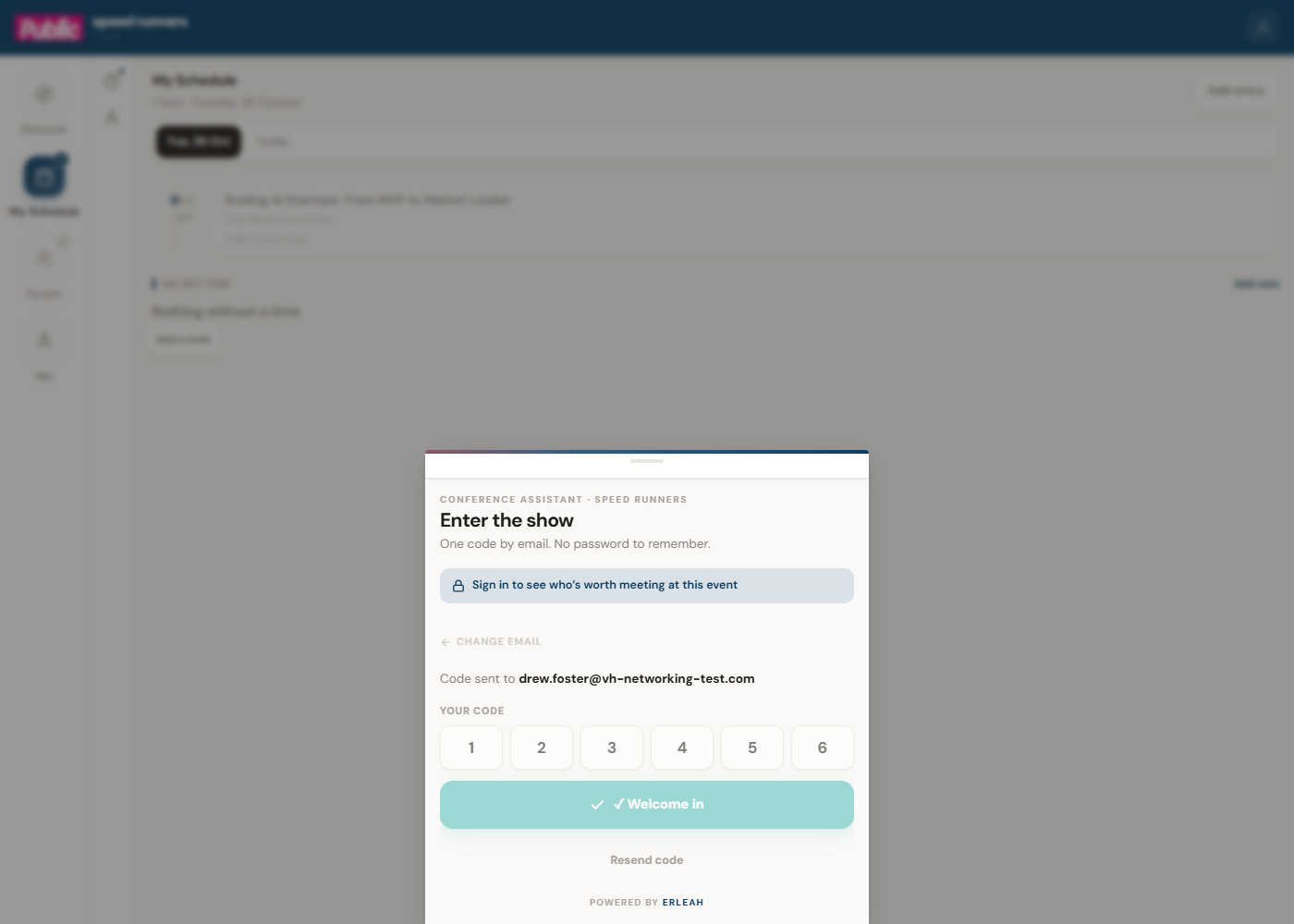
You do not need a password. Enter your email, and a six-digit code arrives to let you in.
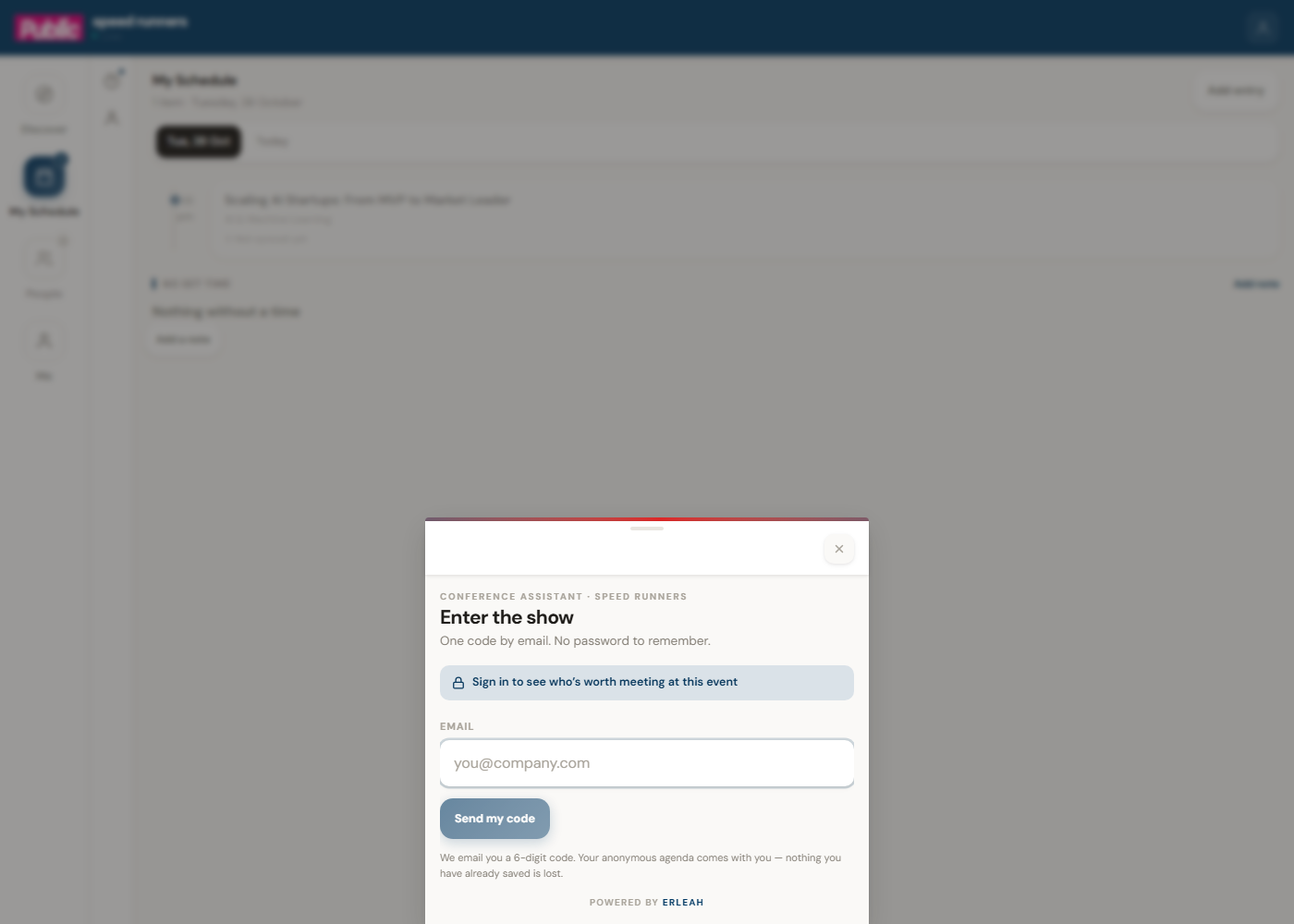
Signing in is what lets your agenda and your matches follow you between a phone and a laptop — without it, you can still browse everything, but nothing you save is kept.
Finding your way around
Four places, always in the same spot: Discover, My Schedule, People, Me.
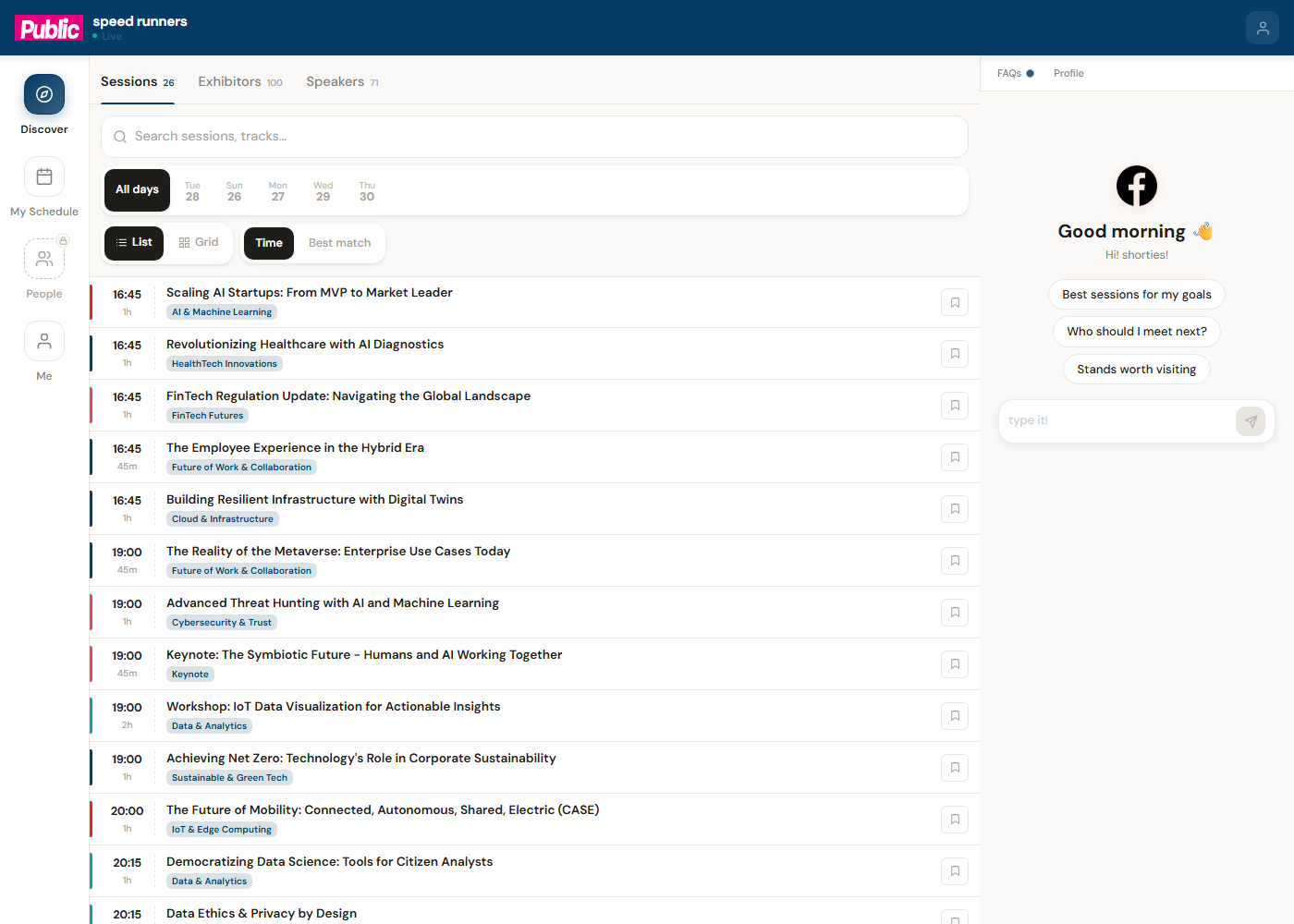
Discover — browse everything
Sessions, exhibitors and speakers, searchable and filterable by day.
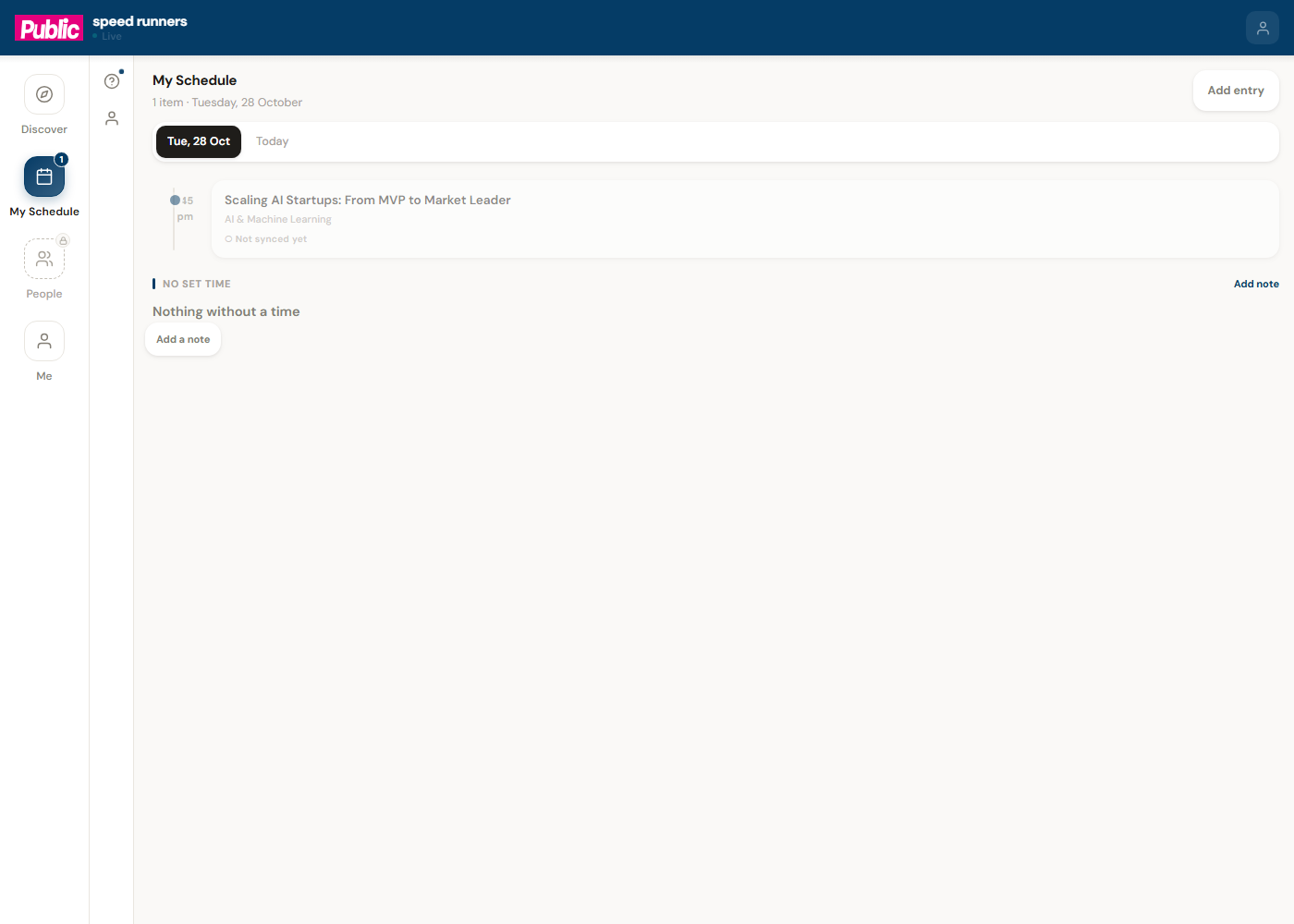
My Schedule — what you have saved
Anything you add from Discover lands here, grouped by day.
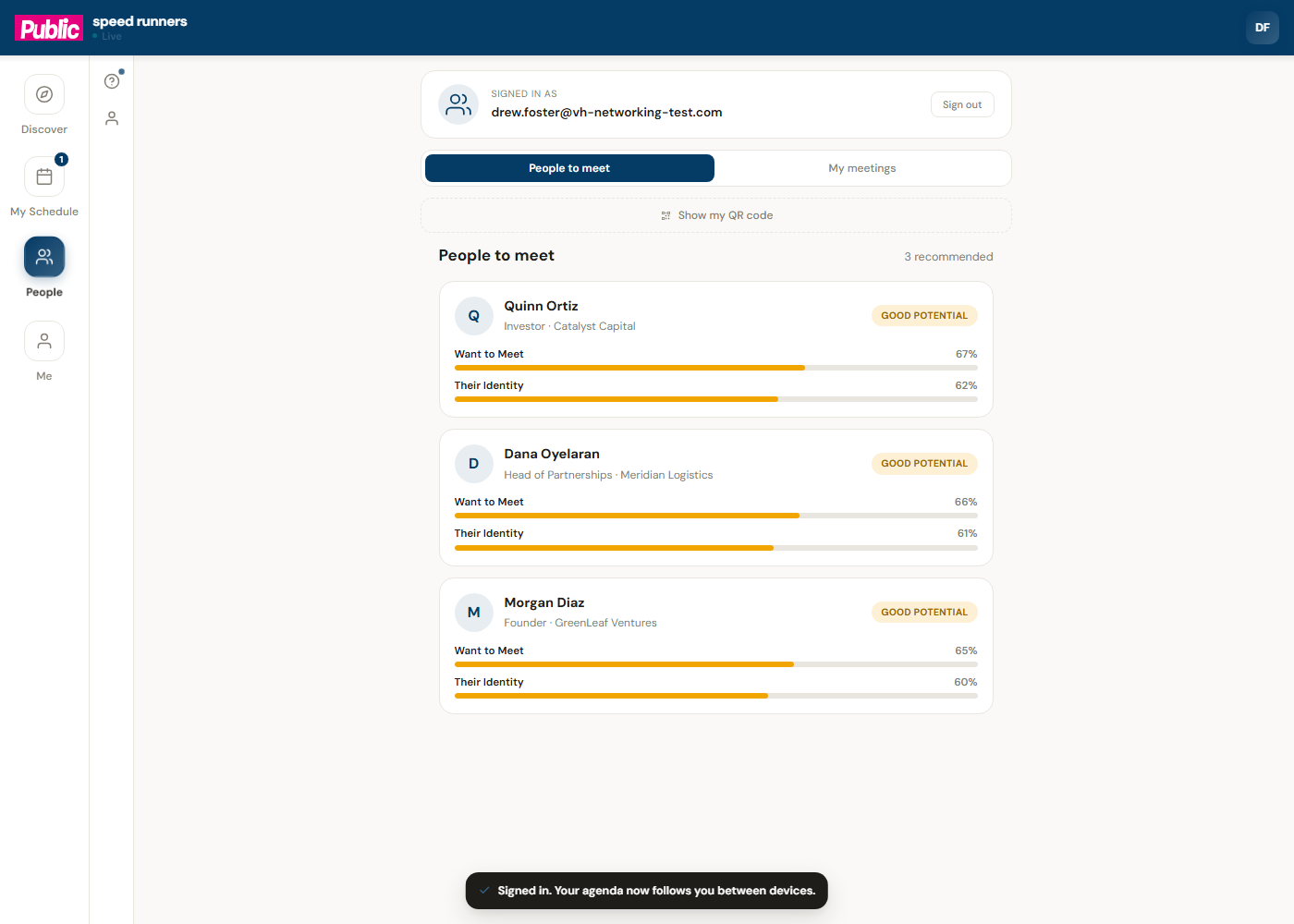
People — who is worth meeting
Where the assistant's matching shows up: a ranked list of people at the event, with how good a match each one is and why.
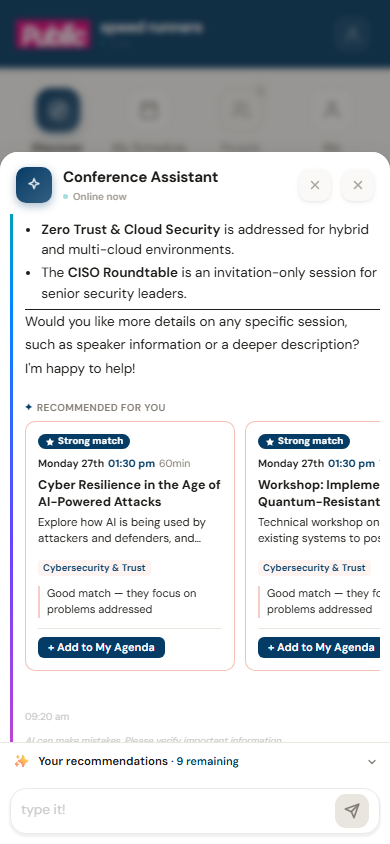
Just ask
You do not have to browse at all. Ask a plain question and the assistant answers from the real programme — sessions, speakers, exhibitors, timing — and can add anything it suggests straight to your schedule.
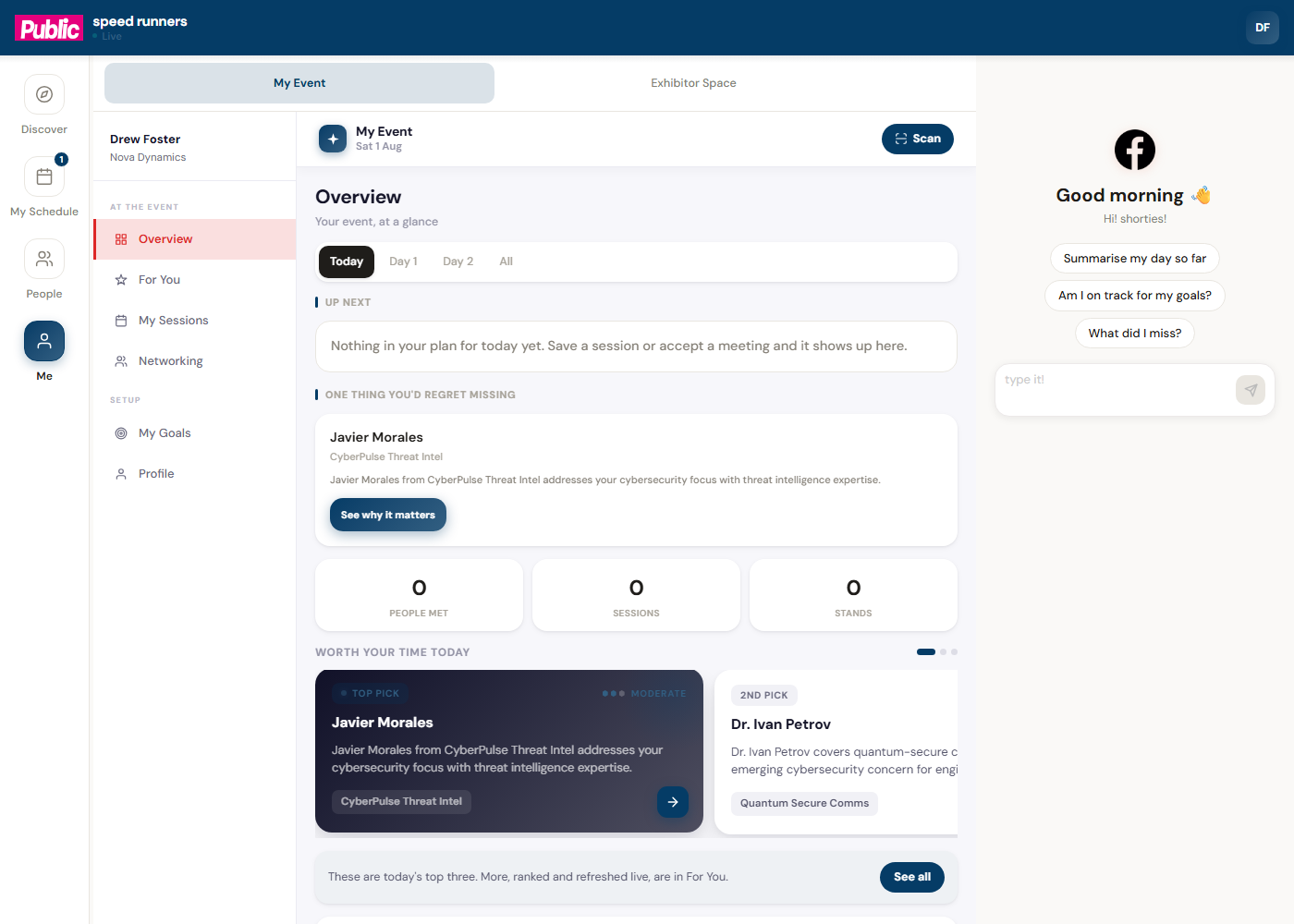
My Event — your day, at a glance
A single overview: what's next, one thing it thinks you would regret missing, how many people and stands you have covered so far, and its current top picks for you.
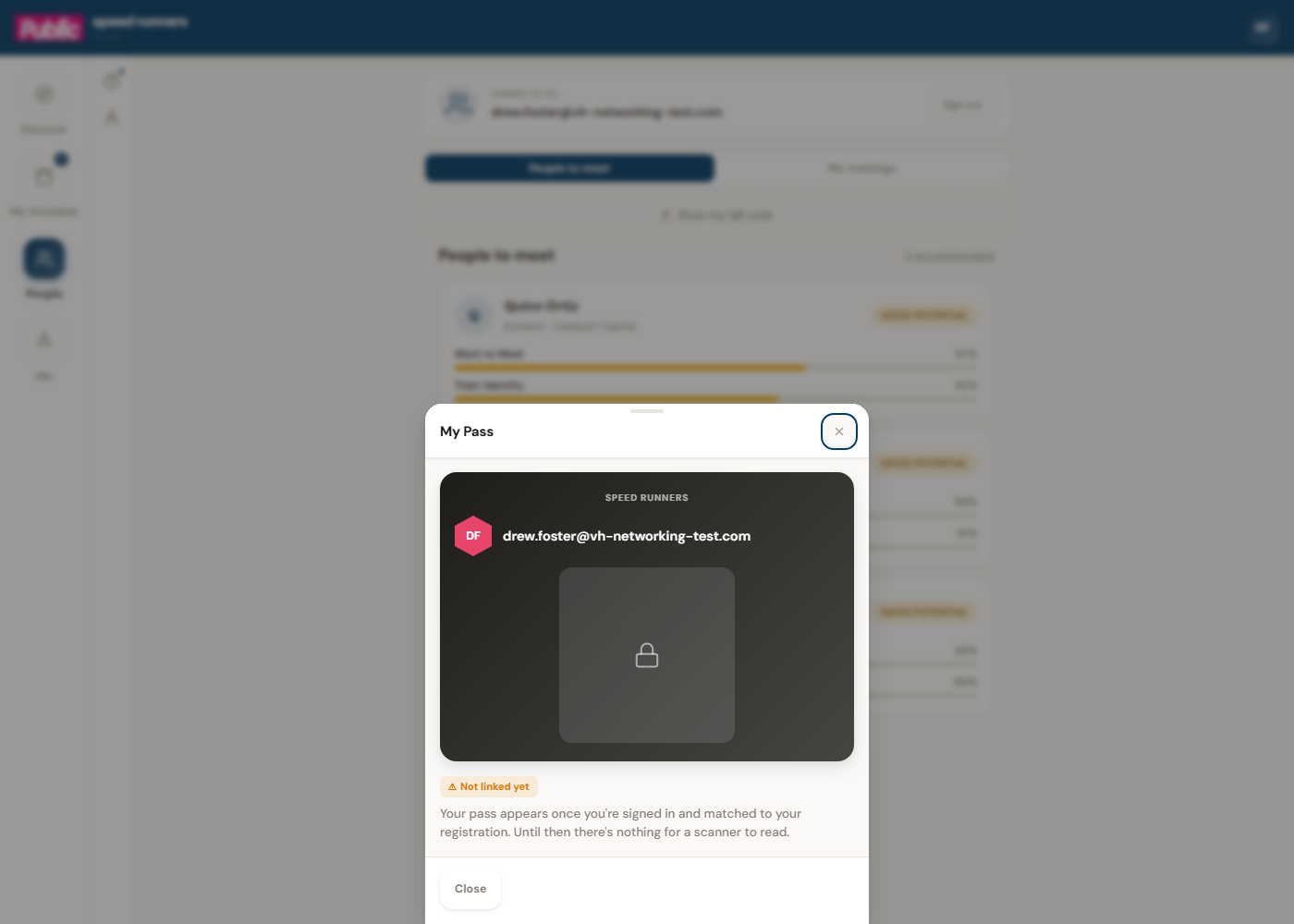
Your pass
Me → My Pass holds your badge. Once you are signed in and matched to your registration, this becomes a scannable code exhibitors can read at their stand — no separate app, and nothing to print.
Me — your profile and history
Every question you have asked and every answer you were given, plus a short profile you can fill in so recommendations get sharper the more the assistant knows about what you are here for.
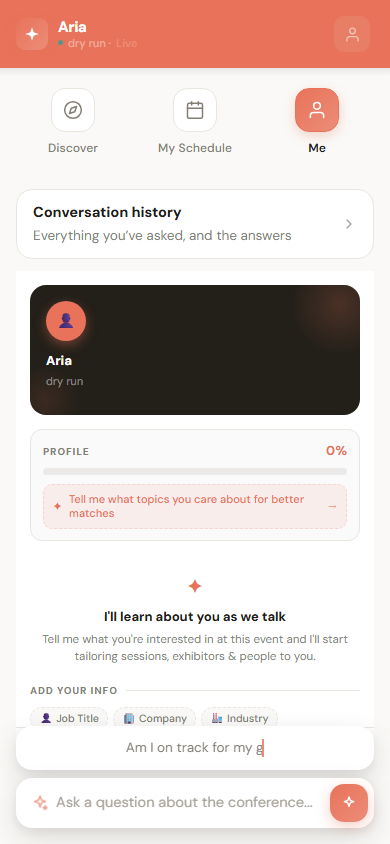
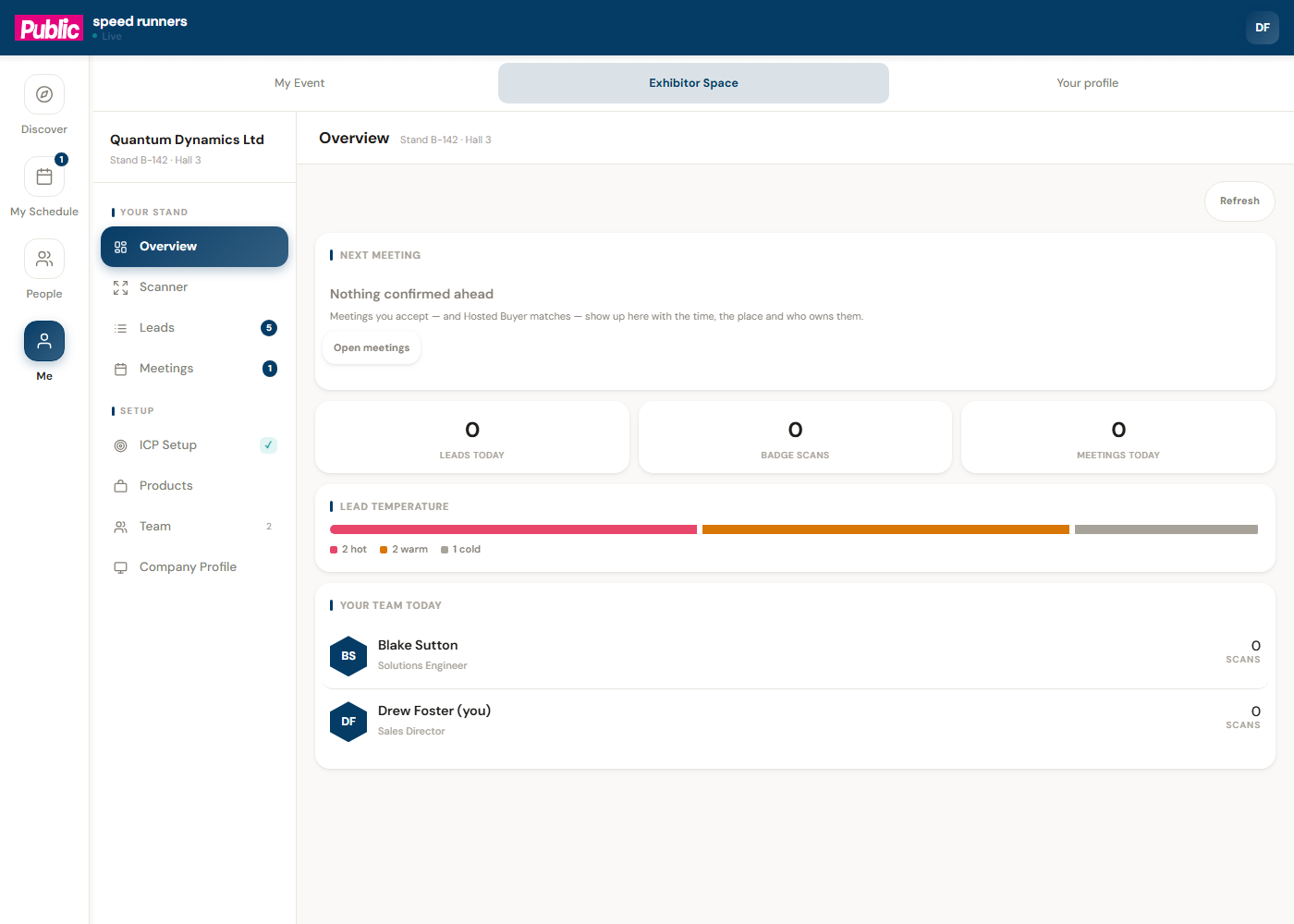
If you are also on an exhibitor's team for this event, Me is where you switch into Exhibitor Space — the same sign-in, a second hat for the hours you are working a stand.
If you are a Hosted Buyer
Some events invite a set of attendees into a Hosted Buyer programme — pre-arranged, one-to-one meetings with the exhibitors most worth their time, on a fixed schedule rather than passing footfall. If you were invited, a My meetings tab sits alongside People to meet, and that is its own guide — see Your Hosted Buyer itinerary, next in this section.
