
Exhibiting at your event
Your stand, badge scanning, your shared leads list — the widget screens every exhibitor uses.
Who this is for: anyone on your stand — the person on the floor talking to visitors, and whoever reviews the leads afterwards. No technical knowledge is assumed.
What it does: turns badge scans into a ranked, notesable list of who visited your stand, and gives your team one shared view of it.
How long it takes: two minutes to get your first scanner open. The rest happens as your event runs.
Every screenshot below is a real screen from the event assistant, not a mock-up.
Where it lives
Open the assistant on your phone or the stand tablet and choose Exhibitor Space from the top tab bar. It sits alongside My Event (your own agenda) and Your profile — the same assistant, wearing a second hat for the hours you are working the stand rather than attending sessions.
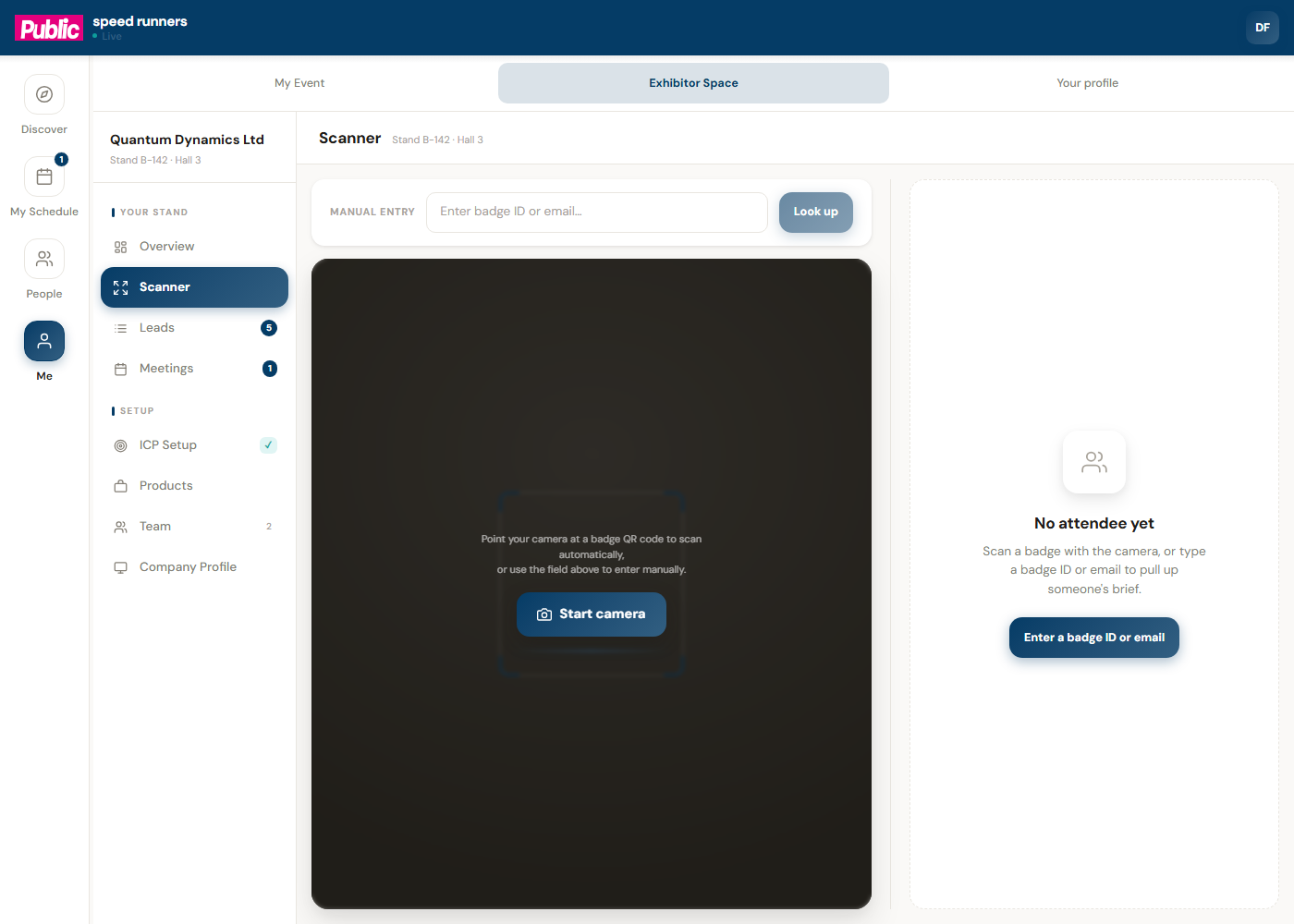
Down the left, Your stand groups the things you do during the show — Overview, Scanner, Leads, Meetings. Setup groups the things you do once, before doors open — ICP Setup, Products, Team, Company Profile.
Scanning a badge
Press Scanner, then Start camera. Point it at a visitor's badge QR code and it resolves in place — no separate app, no login screen for the visitor.
No camera, or the light on the floor is bad? Enter a badge ID or email does the same lookup by hand.
What a scan gives you
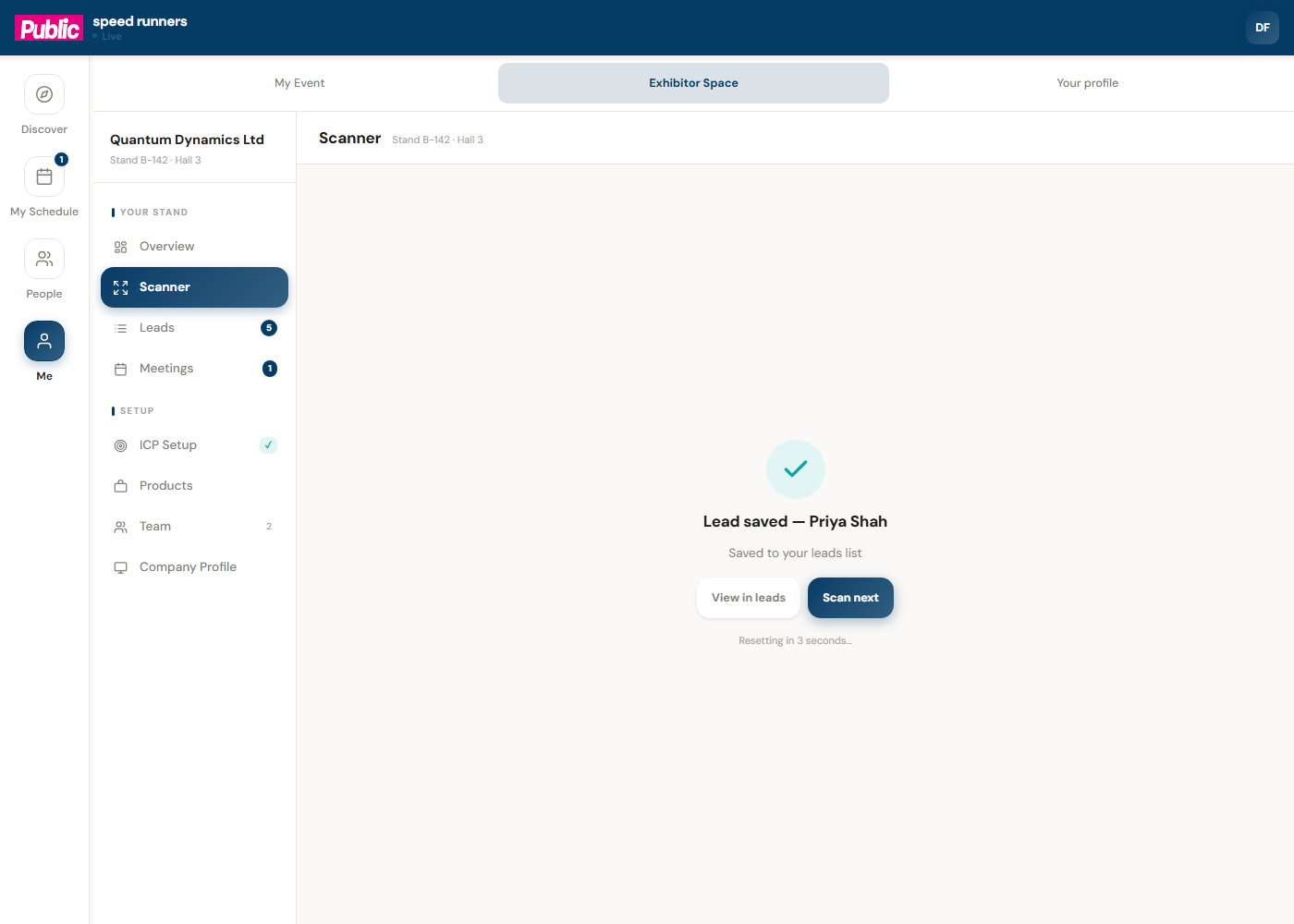
The moment a badge resolves, the right-hand panel fills in with who they are and — where your ICP is configured — how well they match what you are looking for. Press Scan next to reset the camera immediately; there is no confirmation step in the way.
Your leads list
Every saved scan lands in Leads, shared across your whole team the moment it happens — no syncing, no end-of-day export required to see what a colleague captured an hour ago.
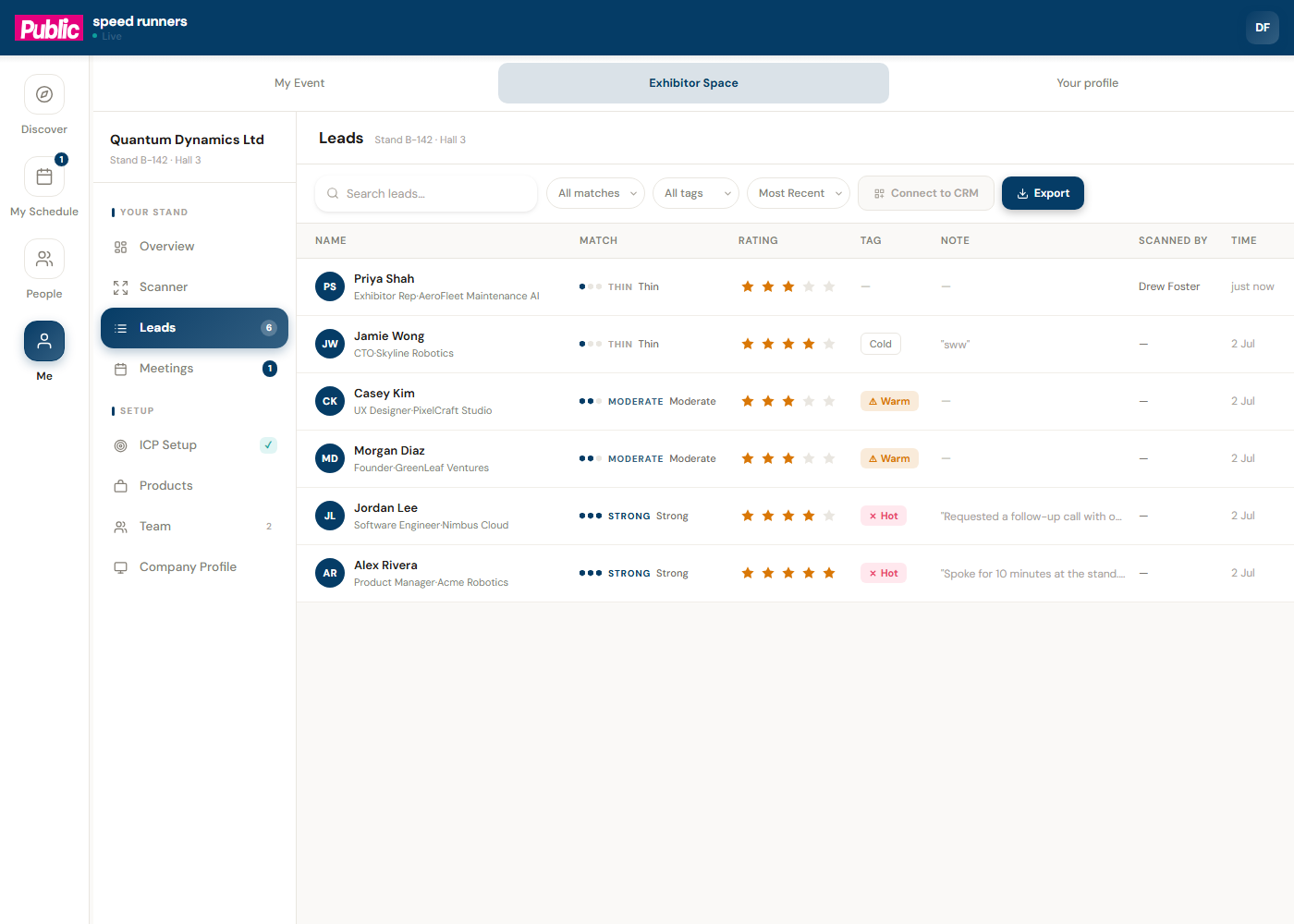
Each row carries a match strength, a star rating you can set on the spot, and a free-text note — useful for "asked about integrations" or "follow up Tuesday" while it is still fresh. Export turns the whole list into a CSV for your CRM; Connect to CRM does the same automatically, where your event has that switched on.
Setting up your stand, once
Three screens, done before the show starts rather than during it:
- ICP Setup — the profile the scanner matches every badge against. Skipping this does not stop scanning; it just means every lead shows as unranked instead of scored.
- Products — what you're showing, so the assistant can point the right visitor at you in the first place.
- Team — who else on your stand can scan and see the shared leads list.
If you are also a Hosted Buyer meeting partner
Some events pair exhibitors with hosted buyers ahead of time — pre-scheduled, one-to-one meetings rather than passing footfall. If your stand was invited into that programme, a Meetings item appears in this same left-hand list, badged with how many you have.
That is its own guide — see Hosted Buyer meetings, next in this section — because it works differently from the walk-up flow above: meetings are scheduled for you, not captured on the day.
